
bet133 Bangladesh | Slots and Sportsbook with 24/7 Bengali Support
Fund your account with bKash, Nagad or Rocket and move straight into live casino tables, slot rooms and cricket sportsbook markets — all in one place.
bet133 · Bangladesh
Service availability depends on eligible regions and local law. Users should check local rules before opening an account.
Slots, live casino and more — find your game
The bet133 lobby carries slots from studios including Pragmatic Play and PG Soft, live casino tables streamed in real time, and a sportsbook with cricket as the headline category. Whether you're after Dragon Tiger, Gates of Olympus or a live baccarat seat, the catalogue is organised by category so you land on the right title quickly. RTP figures are shown only where the game provider exposes them — check each game's detail panel for that information.

Bank Transfer Safe
Baccarat Lantern

Cricket Scorer

Blackjack Supremacy

Bank Transfer ClearPay

Football Derby Live
Rocket Instant Transfer

Teen Patti Battle
How your account and data stay protected
Security on bet133 works in layers, and each layer covers a different part of your account. The connection between your browser and the platform is encrypted via SSL, so data moving between your device and our servers is not readable in transit. Login uses OTP verification — a code sent to your registered mobile number every time a new session starts from an unrecognised device. Every transaction through bKash, Nagad or Rocket generates a reference number that appears in your account history, giving you a receipt you can match against your wallet statement.
Everything bet133 has in one view
From crash games and live baccarat to slots and cricket betting, the bet133 lobby puts every category within one tap of your account balance.
Payment methods for Bangladesh accounts
Deposits at bet133 run through the mobile wallets Bangladeshi accounts already use daily. Open your bKash app, navigate to 'Send Money', enter the merchant number shown in the cashier and confirm with your PIN — the balance usually reflects before the page refreshes. Nagad and Rocket follow the same path: send from your wallet app, keep your transaction reference, and the deposit shows on your account automatically. Bank Transfer is also available for those who prefer it. Withdrawals reverse the same route — your funds go back to the wallet you deposited from after the verification step is cleared.
Full lobby on your phone, no download needed
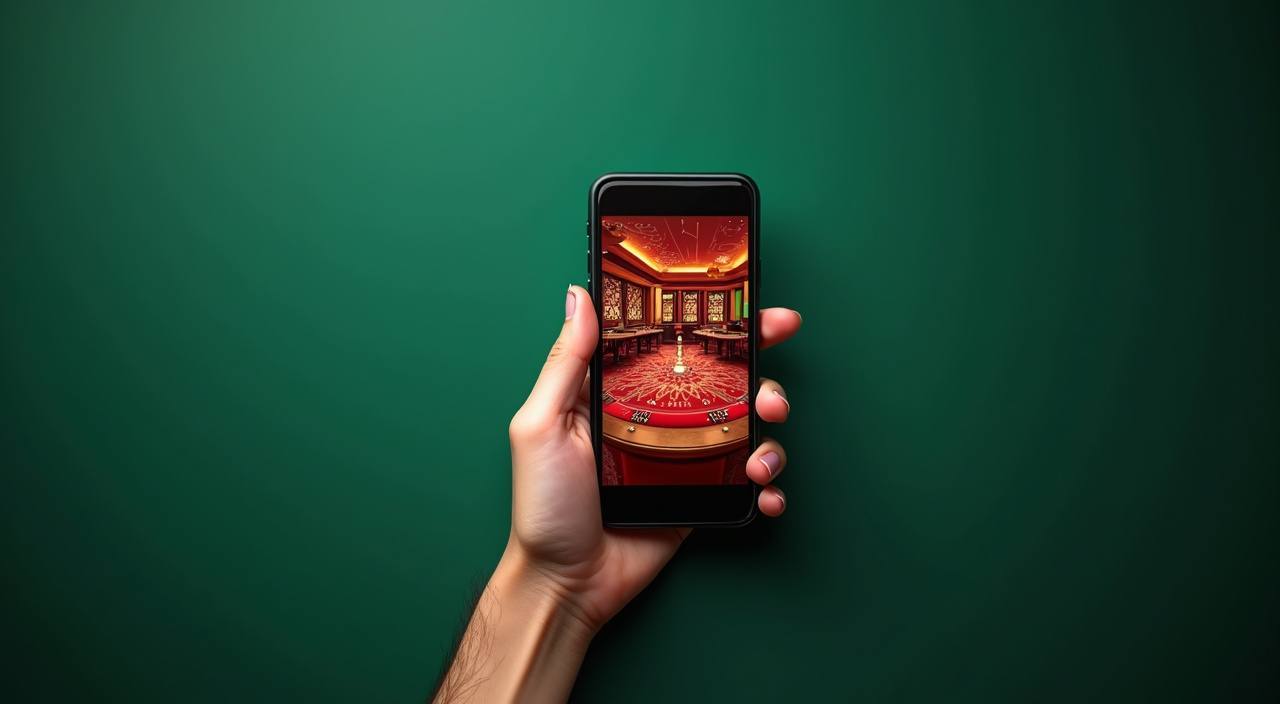
The bet133 lobby is built to run on mobile browsers — Android and iOS — without needing an app installation. Open the site in Chrome or Safari on your phone and the layout shifts to a touch-friendly view automatically. Players in Dhaka regularly access the full slot and live casino catalogue this way during commutes or at home. The cashier, wallet link and live chat all work the same as desktop. If you prefer a home-screen shortcut, your browser's 'Add to Home Screen' option creates one in two taps.
How to get going on bet133
New here? The account flow is straightforward — register, fund your wallet, pick a game category, and you're in. Each step below covers what you actually need to know, not a generic checklist. If something feels unclear at any point, our support team is reachable directly from the lobby header.
Create your account
Hit the registration button, enter your details and verify your mobile number. The OTP arrives on your phone within seconds — confirm it and your account is live.
What's inside the lobby
You'll find slots, live casino tables, a sportsbook covering cricket and football, and crash games like Aviator — all accessible from the same navigation bar after login.
Pick your game category
Use the category tabs at the top of the lobby to switch between slots, live tables and the sportsbook. No reload needed — the lobby updates within the same page.
Where to get help
Live chat is available directly from the lobby. If you hit an issue with your account, wallet link or a game loading, the chat widget connects you to a support agent without leaving the page.
Same lobby on every screen
Whether you're on your phone in Dhaka or on a desktop at home, the full lobby — slots, live casino and sportsbook — loads the same way without any app download required.


Support channels on bet133
Whether your question is about a wallet deposit, a game not loading or your account verification, there are three ways to reach us. Each channel is staffed with Bangladesh-aware agents who understand local wallet flows and account steps — no need to explain what bKash or Nagad is.
Account offers for new members
Make your first casino deposit via bKash, Nagad or Rocket and check the offer attached to your new account. Terms apply.
Open Your Account Fund your account and head to the sportsbook to see what welcome offer is active on cricket and football markets. Terms apply.
Open Your AccountWhat's running this week
Platform at a glance
From account to lobby in five steps
Fill in your account details on the registration page — takes under two minutes.
Open bKash, Nagad or Rocket, send to the account number shown in the cashier, and confirm with your PIN.
Browse slots, live casino or the sportsbook and tap the title you want to open.
Your balance is live once the deposit clears — start your session directly from the lobby.
Frequently Asked Questions about bet133
How to navigate the bet133 lobby
The lobby navigation bar sits at the top of every page — it doesn't move as you scroll. From there, one tap takes you to Slots, a second tap to Live Casino, a third to the Sportsbook. If you're looking for a specific game like Gates of Olympus or Dragon Tiger, use the search bar on the slots or table games page — type the first three letters and matching titles appear immediately. Your account balance, deposit shortcut and withdrawal history all live under the profile icon at the top right. On mobile, the same navigation collapses into a hamburger menu that opens with a single tap.
The top bar labels each category: Slots, Live Casino, Sportsbook, Table Games. Tap once to switch. The page content changes but your session and balance stay exactly where they were.
Search is available on the slots and table games pages. Type a partial title — 'Gates', 'Baccarat', 'Aviator' — and the catalogue filters in real time without a page reload.
The profile icon top-right opens your account panel: current balance, deposit history, active offers and withdrawal requests. All in one place, no separate dashboard URL needed.
On a phone, the hamburger icon top-left expands the full menu. Lobby categories, account access and support chat are all reachable within two taps from any page.